Loading
How it works
Pick the people you trust, group them if you want, and (optional) opt in to help nearby. When you press SOS, Reddr reaches everyone at once. From our side, not your phone.
Part one
A few minutes once. You can change any of this later.
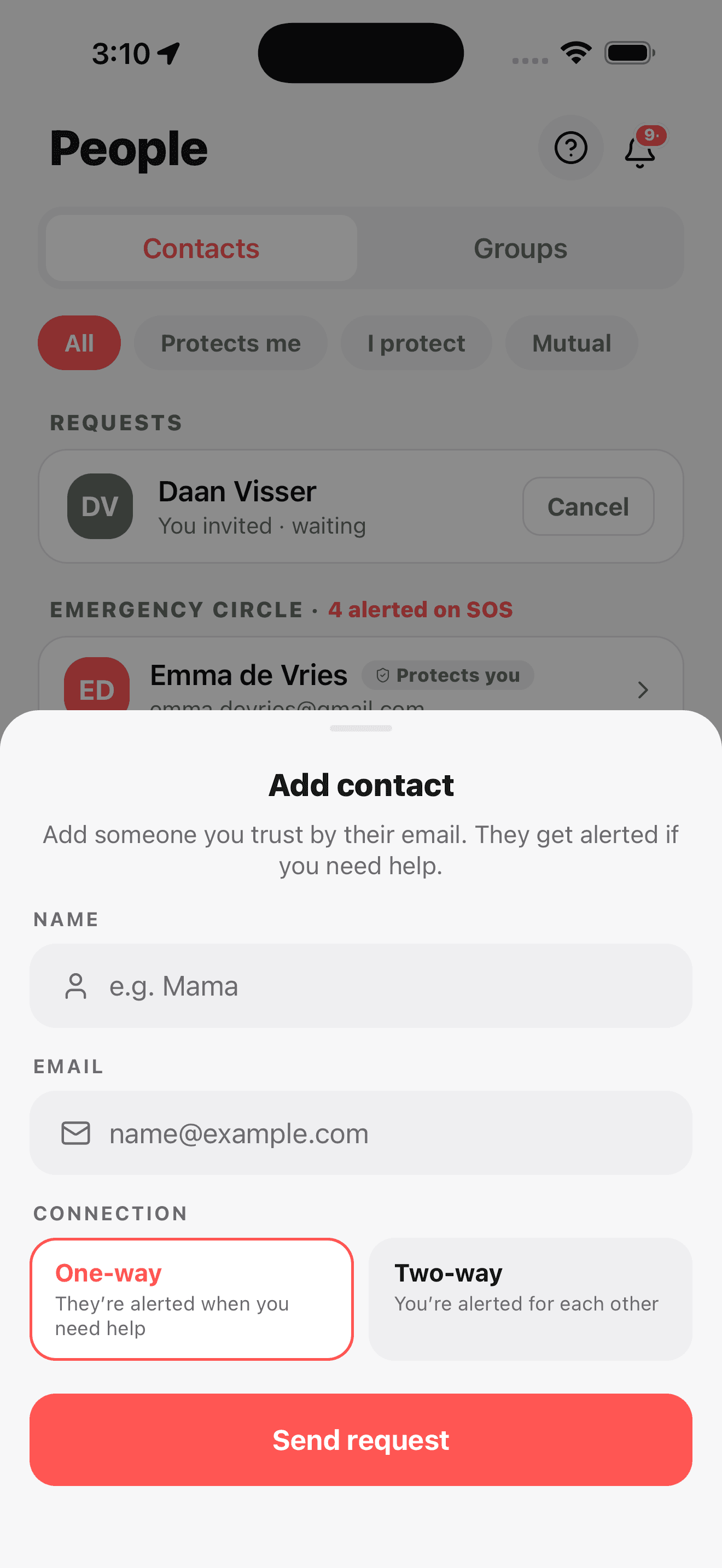
01
One by one or from your phone book. Each person accepts, then they're in.
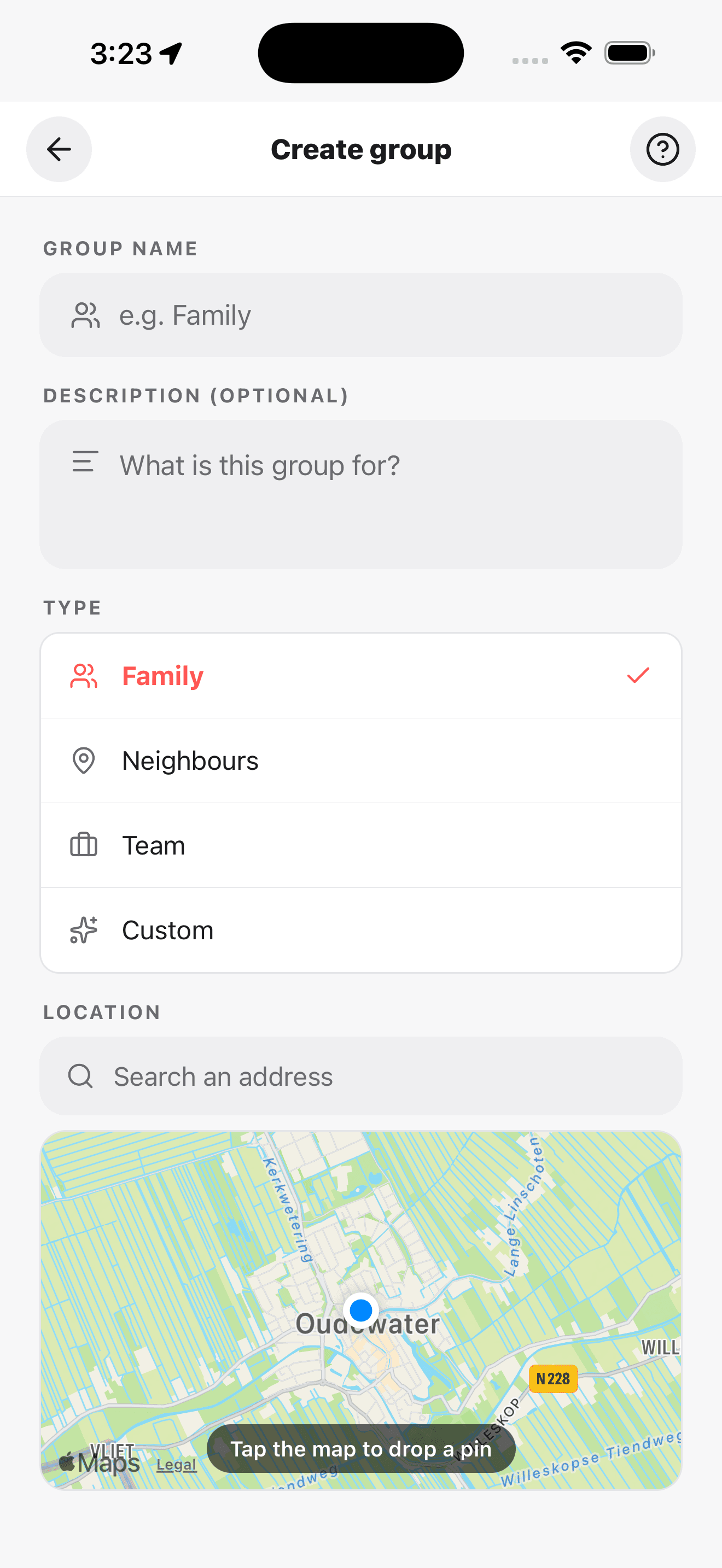
02
Family, housemates, hikers. One push, one SMS to everyone. Give it a home and a radius.
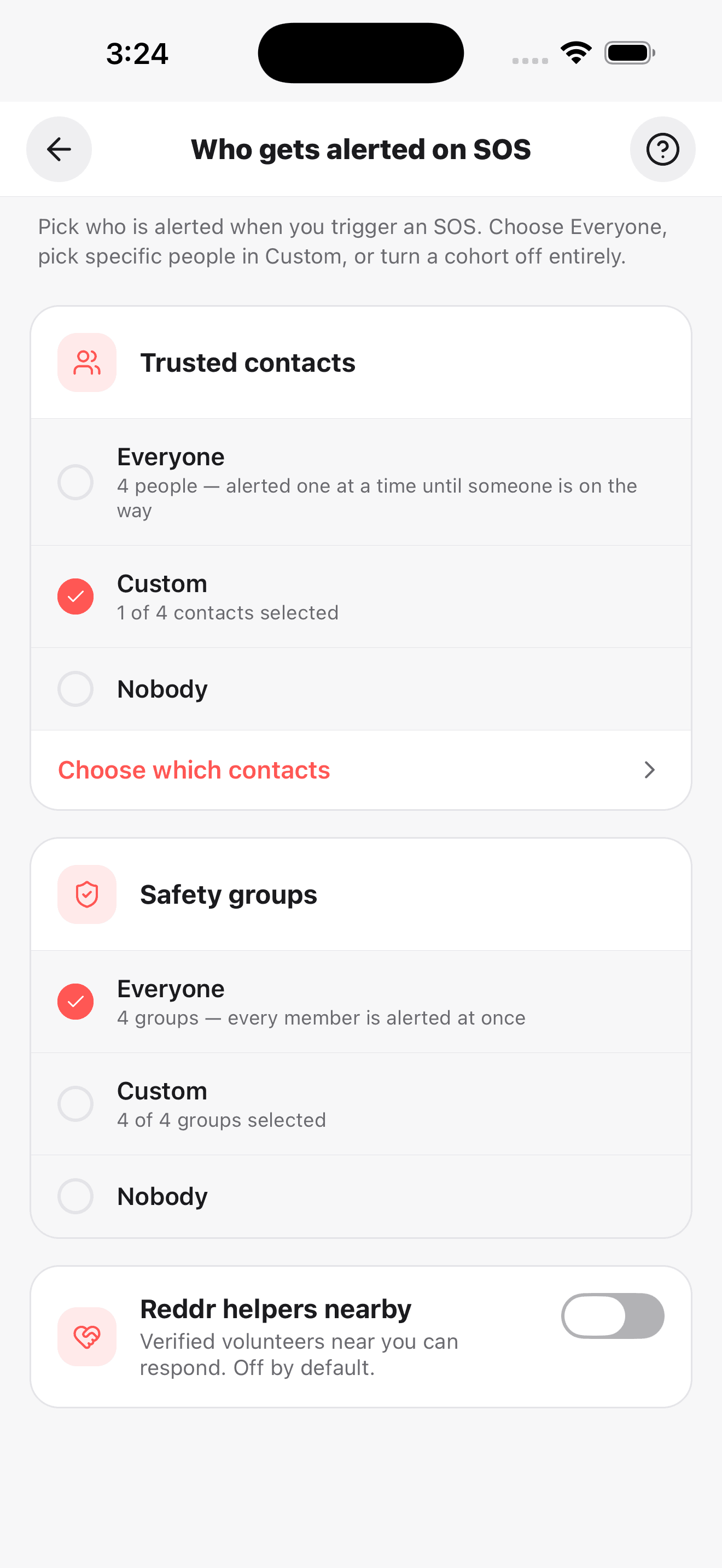
03
Tick the people and groups you want alerted when you press SOS. Change it any time.
Optional
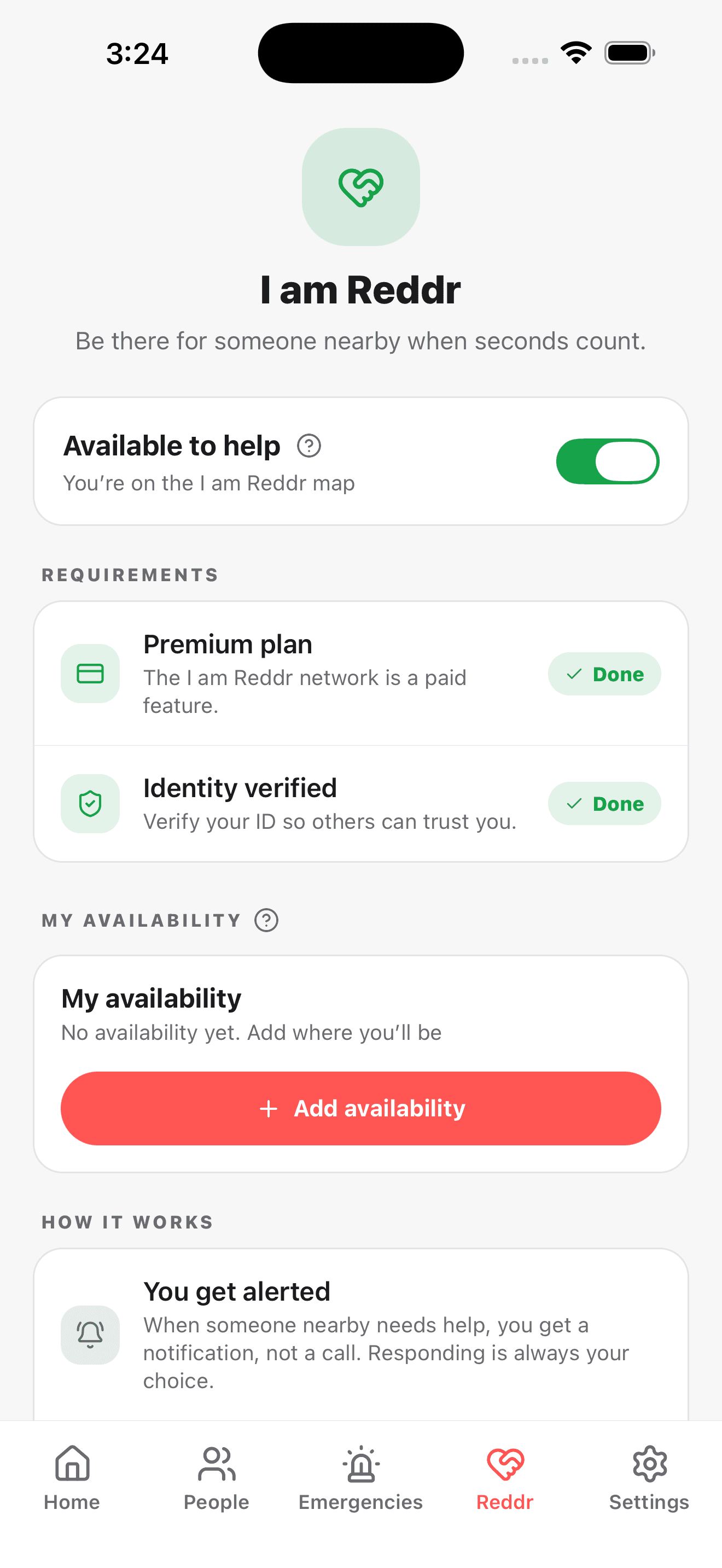
04
Pass a quick ID check once. Get anonymised alerts for verified users in range.
Part two
After you tap SOS, Reddr keeps reaching your people even if your phone dies or hides.
05
One tap on the SOS button raises the alarm. A short countdown gives you a couple of seconds to cancel. Nothing is sent yet.
Reddr Jack lets you trigger without opening the app. Think of it like a hidden panic rope: safe to use when you cannot touch the screen.
06
Reddr reaches your whole circle at once. Notification first. If someone hasn't seen it in 31 seconds, a text goes to their SIM.
NotifyWait 31sSMSOnly if not seen.
07
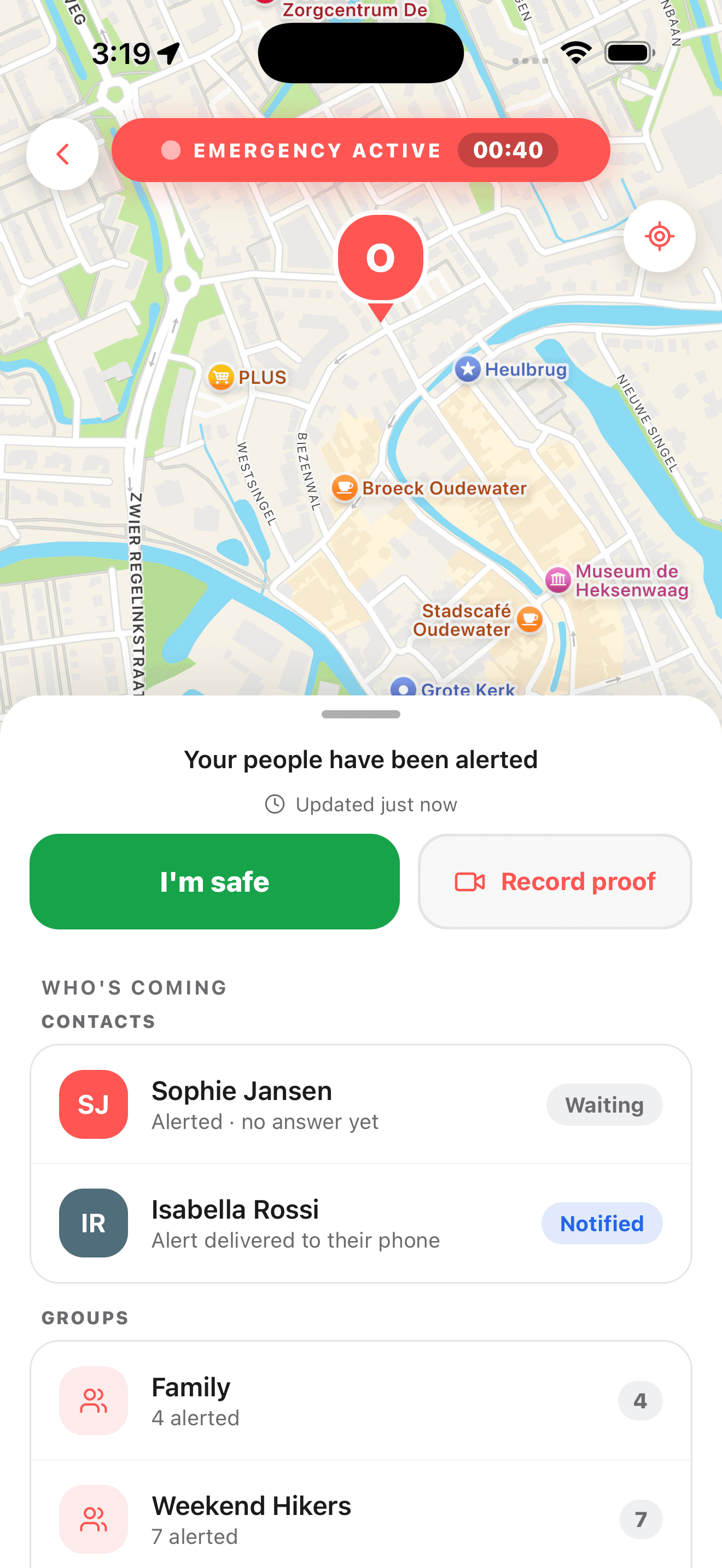
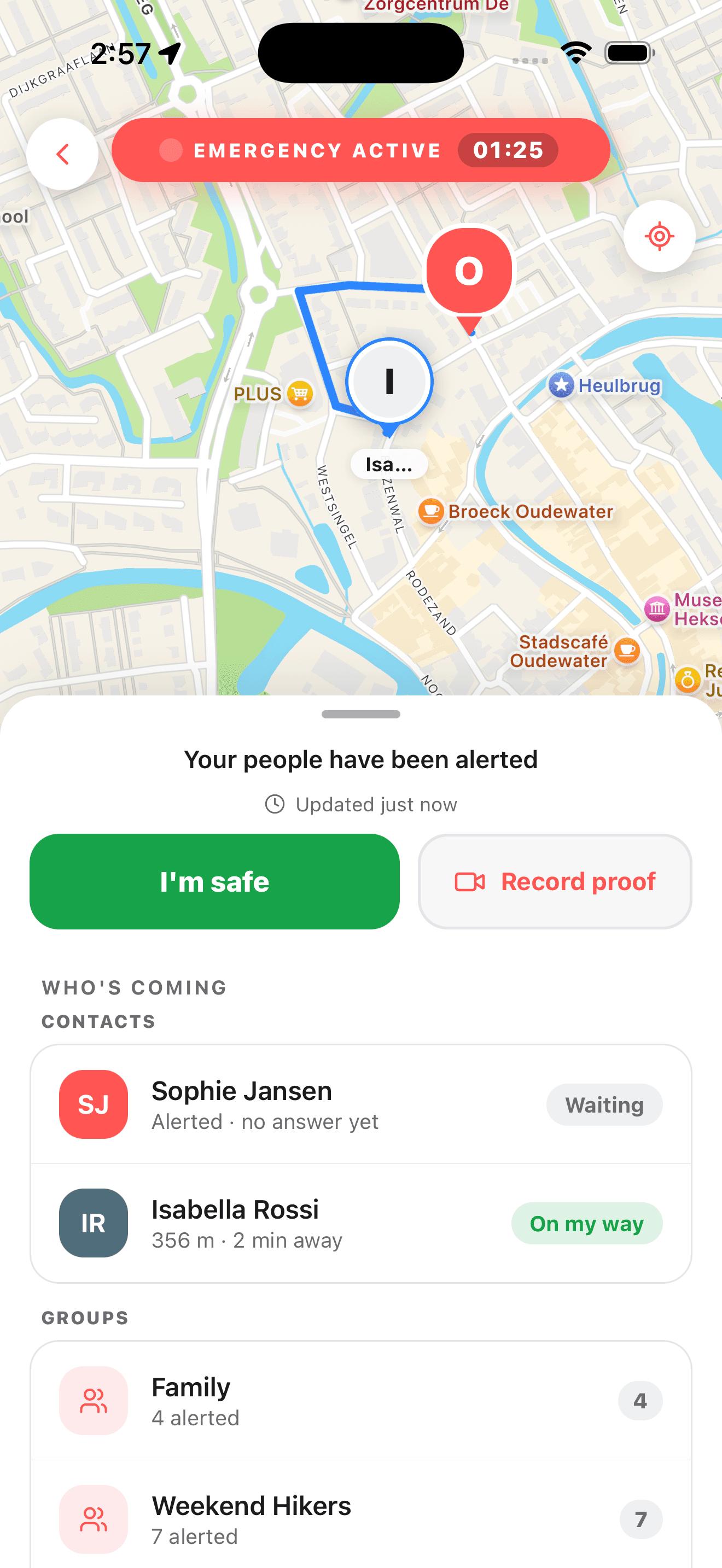
Three actions live inside the alarm screen while help is incoming.
Everyone sees you. Responders stream their route so you watch the closest help close the distance.
Audio and video stream securely to the server. Kept only as long as you want.
One tap closes the alarm and tells everyone you're OK. If you can't, it auto-closes after six hours.
In an emergency
Reddr is a helper, not a replacement for emergency services. If life or safety is at risk, call emergency services. Then open Reddr.